Signs Your Business Has Outgrown Excel (and What to Build Instead)
Spreadsheets are a great place to start, but they become a risk as your team grows. Here are the warning signs, and what a simple custom system can replace.
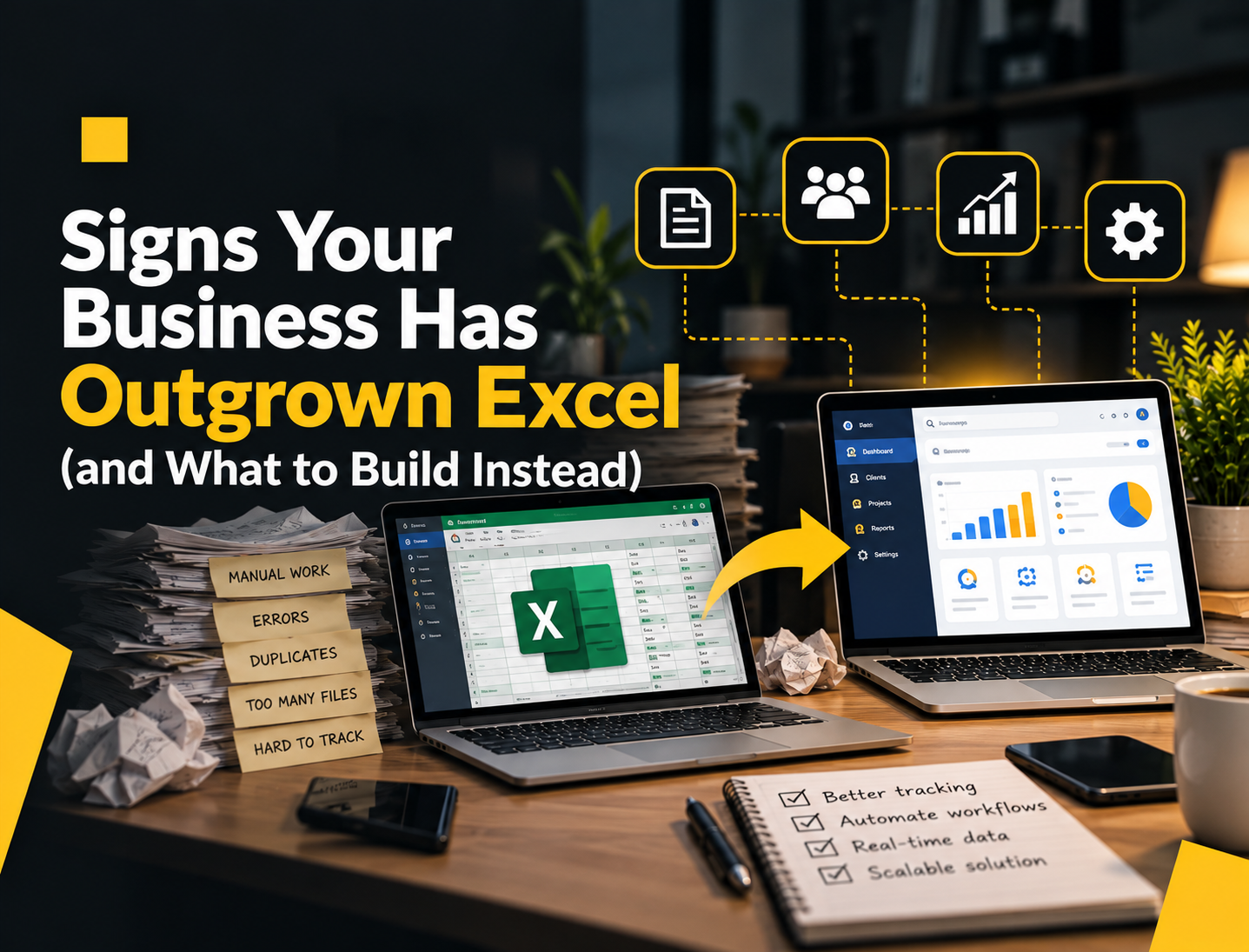
Almost every growing business in the Philippines runs on Excel at some point. Inventory, payroll, orders, collections, attendance – it all starts in a spreadsheet, and that's perfectly fine.
The problem is that spreadsheets don't grow with you. What worked for five employees and one branch starts to break when you have twenty employees, three branches, and orders coming in through Facebook, Viber, and walk-ins.
Here's how to tell when you've reached that point.
7 signs you've outgrown your spreadsheets
1. You have files named "FINAL_v3_updated_REAL.xlsx"
When several people edit copies of the same file and email or Viber them around, nobody is sure which version is correct. Decisions get made on outdated numbers.
2. One person "owns" the file, and everything stops when they're absent
If only one staff member understands the formulas, your operations depend on their attendance. That's a business risk, not just an inconvenience.
3. You spend hours every week consolidating data
Branch managers send their sheets, and someone copies and pastes everything into a summary. That's time spent moving data instead of using it.
4. Mistakes are found weeks later
A wrong formula, a deleted row, or a typo in a price can go unnoticed until month-end. By then, the error has already affected payroll, billing, or stock counts.
5. You can't control who sees what
Salaries, supplier prices, and customer details sit in the same file that half your team can open. Spreadsheets aren't designed for proper access control.
6. You can't answer simple questions quickly
"How much stock do we have in the Cebu branch right now?" or "Which customers haven't paid this month?" shouldn't take a phone call and an hour of filtering.
7. There's no history of who changed what
When a number changes, you can't easily tell who changed it, when, or why. For anything involving money, that's a problem.
Tip: If three or more of these sound familiar, it's worth at least exploring a simple system. You don't have to replace everything at once.
What you can build instead
A custom system doesn't have to be a huge ERP project. Most businesses get the biggest benefit from replacing one or two critical spreadsheets first.
Inventory and stock management
- Real-time stock levels per branch or warehouse
- Automatic low-stock alerts
- Stock-in and stock-out records tied to the staff member who made them
Order and sales tracking
- One place for orders from walk-ins, phone, Facebook, and Viber
- Order status that the whole team can see
- Daily and monthly sales reports generated automatically
Payroll and attendance
- Attendance records feeding directly into payroll
- Automatic computation of SSS, PhilHealth, and Pag-IBIG contributions
- Payslips generated without manual copy-paste
Collections and billing
- A clear list of unpaid invoices and due dates
- Automatic reminders to customers
- Payment records that match your accounting
Approvals and requests
- Purchase requests, leave requests, and cash advances with proper approval steps
- Notifications so nothing gets stuck in someone's inbox
- A full record of who approved what
Why a web-based system usually makes sense
For most of these use cases, a web app is the practical choice:
- Your team can use it on a laptop, tablet, or phone without installing anything.
- All branches see the same, up-to-date data.
- Access can be limited by role, so staff only see what they need.
- Backups happen automatically, instead of depending on someone's laptop.
How to make the switch without disrupting your business
- Pick the most painful spreadsheet first. Usually it's the one that causes the most errors or takes the most time.
- Clean up your existing data. Remove duplicates and fix inconsistent entries before migrating.
- Run both side by side for a short period. This builds trust that the new system is accurate.
- Train the people who use it daily. Adoption matters more than features.
- Add the next module once the first one is working.
Common mistake: Trying to digitize every process in one go. Big-bang launches are harder to adopt and more expensive to fix.
Frequently asked questions
Can we still export data to Excel? Yes. A good system lets you export reports to Excel or CSV whenever you need them, so your accountant or management can keep using familiar tools for analysis.
Do we need our own server? No. Modern systems are typically hosted in the cloud, so you don't need to buy or maintain hardware in your office.
What if our process is unique? That's exactly where custom software makes sense. Instead of changing your process to fit a generic tool, the system is built around how your business actually works.
The short version
Excel is a great starting tool, but it isn't a system. When errors, delays, and "which file is correct?" start costing you time and money, it's time to move your most important process into something built for it.
Ready to replace your most painful spreadsheet? Tell us about it and we'll suggest a practical first step.