Web App or Mobile App? How to Choose the Right Platform for Your Business
Not every business needs a mobile app. Here's a practical way to decide between a web app, a mobile app, or both, based on who your users are and what they need to do.
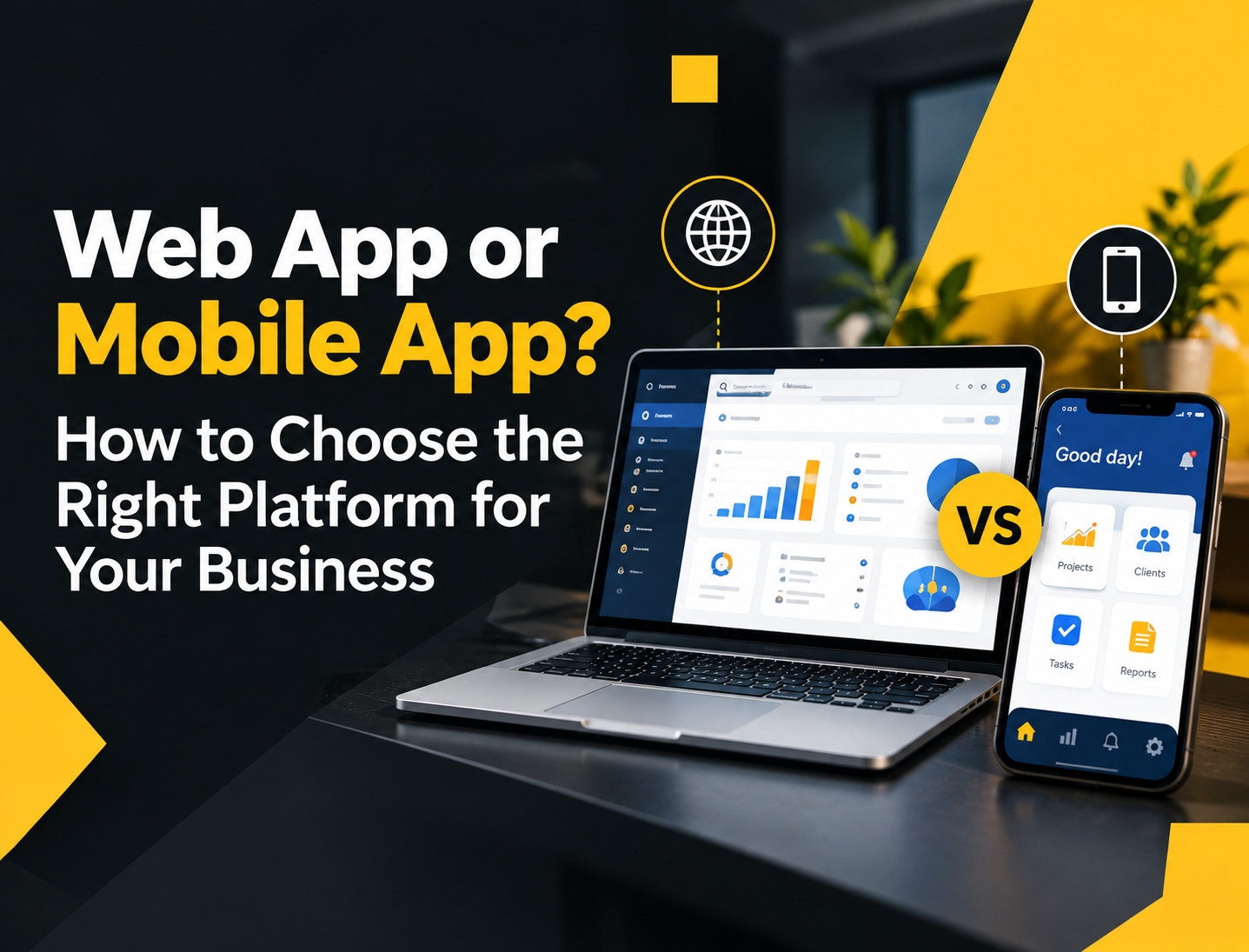
"We need an app" is one of the most common things we hear from business owners. But when we dig into what they actually need, the answer isn't always a mobile app in the App Store or Google Play. Sometimes a web app is faster, cheaper, and a better fit.
Here's how to decide.
First, what's the difference?
A web app runs in a browser. Your users open a link on their phone, tablet, or computer, and it works. There's nothing to download, and updates are live for everyone immediately.
A mobile app is installed from the App Store or Google Play. It lives on the user's home screen and can use more of the phone's features, like push notifications, the camera, GPS, and offline storage.
Modern tools also make a middle ground possible. With frameworks like React Native, one codebase can produce apps for both iPhone and Android, which keeps costs lower than building two separate apps.
When a web app is the better choice
Your users are mostly staff, not customers
Internal systems – inventory, HR, approvals, reports – are usually used at a desk or on a company device. A web app works perfectly and avoids app store hassles.
You need to launch quickly
Web apps skip app store review and can be updated anytime. That's useful when you're still learning what your users need.
Your users are on many different devices
A web app works on old Android phones, iPhones, laptops, and office desktops alike. That matters in the Philippines, where your team and customers may be using a very wide range of devices.
Budget is a concern
One web app serves every device. You avoid the extra cost of app store publishing, device-specific testing, and maintaining store listings.
When a mobile app makes sense
Your users need it every day, on the go
Delivery riders, field sales agents, technicians, and frequent customers benefit from an app that opens instantly from their home screen.
You need push notifications
Order updates, reminders, and promos are more effective as push notifications than as emails or SMS.
You need phone features
Scanning barcodes, taking photos for proof of delivery, tracking location, or using the device's biometrics all work best in a native or cross-platform mobile app.
Users work with poor connectivity
If your team works in areas with weak signal, a mobile app can store data offline and sync when the connection comes back.
A simple decision checklist
Ask yourself these questions:
- Who will use it? Staff at a desk → web. Customers or field staff on the move → consider mobile.
- How often? Occasionally → web. Daily → mobile is worth considering.
- Do you need notifications, camera, GPS, or offline access? If yes → mobile.
- How fast do you need to launch? Very fast → start with web.
- What's your budget? Limited → start with web, add mobile later.
Tip: Many successful products start with a web app, prove that users want it, and then build a mobile app once usage justifies it.
The "both" approach
Many businesses end up with both, and that's often the right long-term setup:
- A web admin panel for your office team to manage orders, products, users, and reports.
- A mobile app for customers or field staff.
Both connect to the same backend, so data stays consistent everywhere. You don't have to build both at once, though. Start with whichever side delivers value first.
Don't forget the hidden work of mobile apps
Mobile apps come with extra responsibilities that are easy to overlook:
- App store accounts and review – Apple and Google have annual or one-time developer fees and review rules your app must follow.
- Updates – users don't always update, so you may need to support older versions for a while.
- Device testing – the app needs to work across many screen sizes and OS versions.
- Privacy requirements – both stores require clear privacy policies and disclosures about what data you collect.
Common mistake: Building a mobile app because competitors have one, without checking whether customers will actually download and use it.
Frequently asked questions
Can a web app work like a mobile app? To a degree, yes. Progressive web apps (PWAs) can be added to the home screen and support some offline features. They're a good middle step, though they still have limits compared with full mobile apps, especially on iPhone.
Is React Native good enough for business apps? Yes. It's used widely for production apps and lets one team ship to both iOS and Android, which reduces cost and keeps features consistent across platforms.
Can we start with a web app and add mobile later? Absolutely. If the backend is designed well from the start, adding a mobile app later is straightforward.
The short version
Choose based on your users, not on trends. Staff and occasional users are usually best served by a web app. Daily users, field teams, and customers who need notifications or phone features benefit from a mobile app. When in doubt, start with web and grow from there.
Not sure which one fits your project? Tell us what you're building and we'll recommend the right starting point.